Claude Code plugin
Remotion maintains a plugin for Claude Code.
It can help you create and edit Remotion projects and includes Remotion Agent Skills.
Installation
In the Claude desktop app
Find the Remotion listing through the plugin directory in the Claude desktop app.
Select Code, open Customize in the sidebar, then select Plugins → Discover.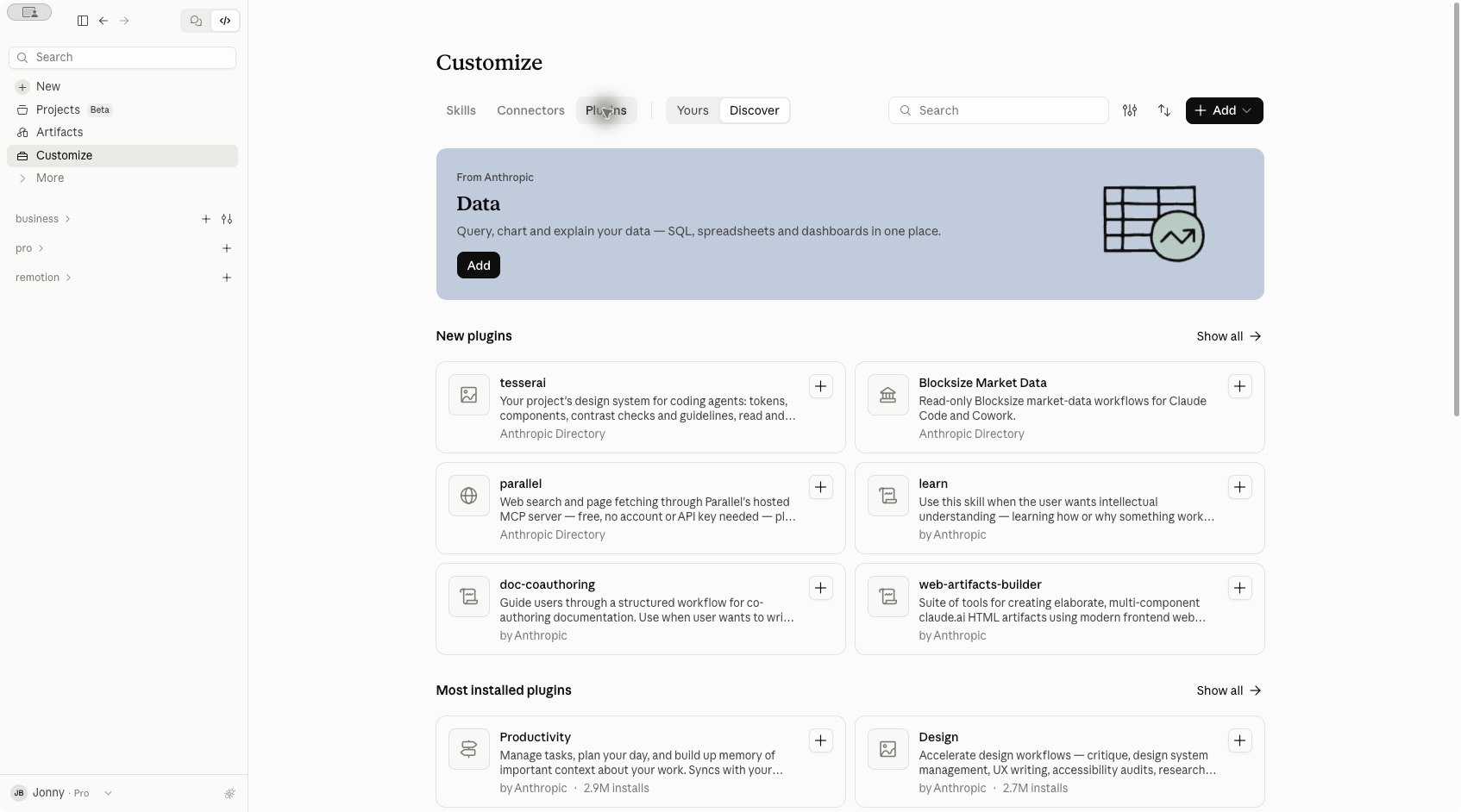
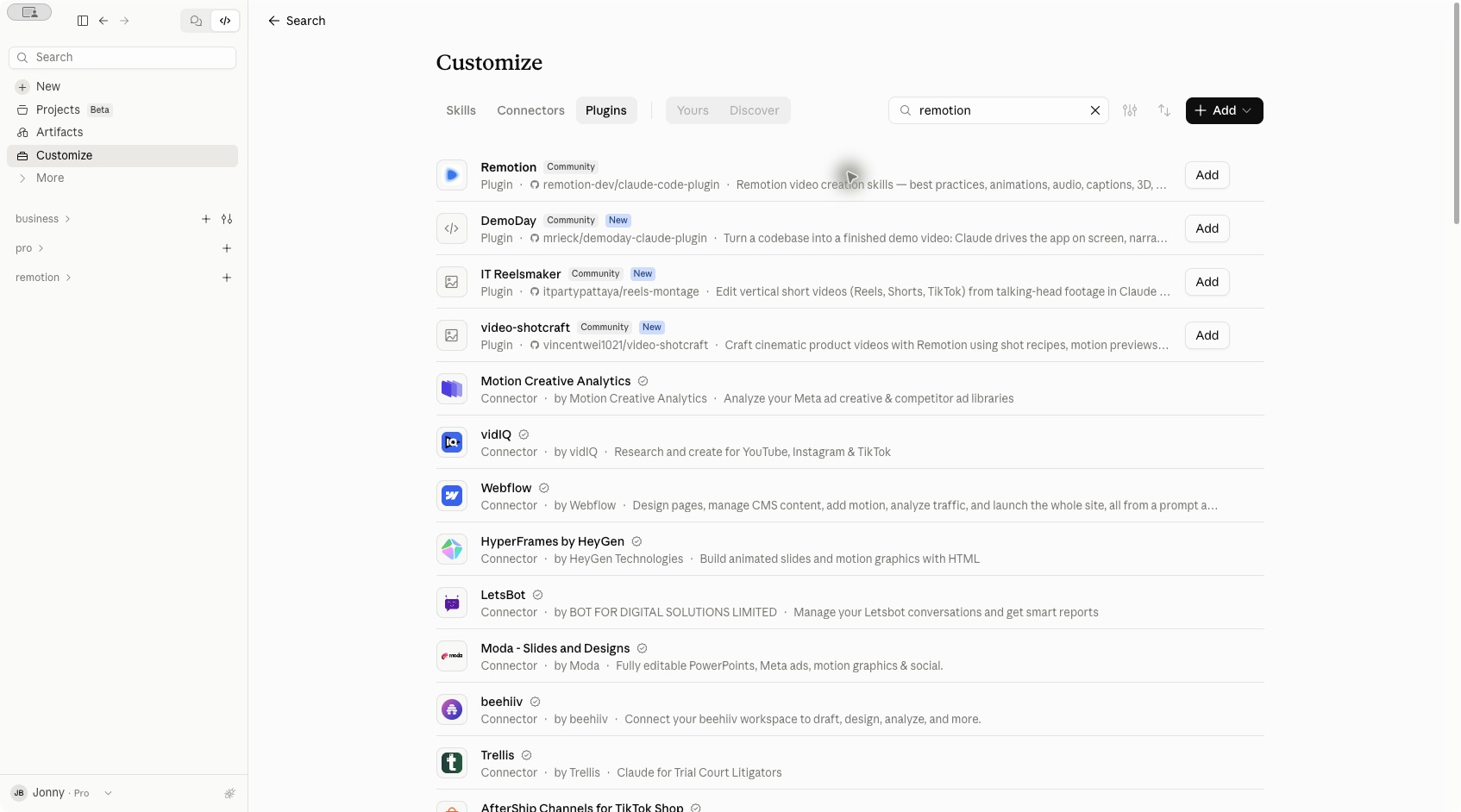
remotion.Find the Remotion plugin from
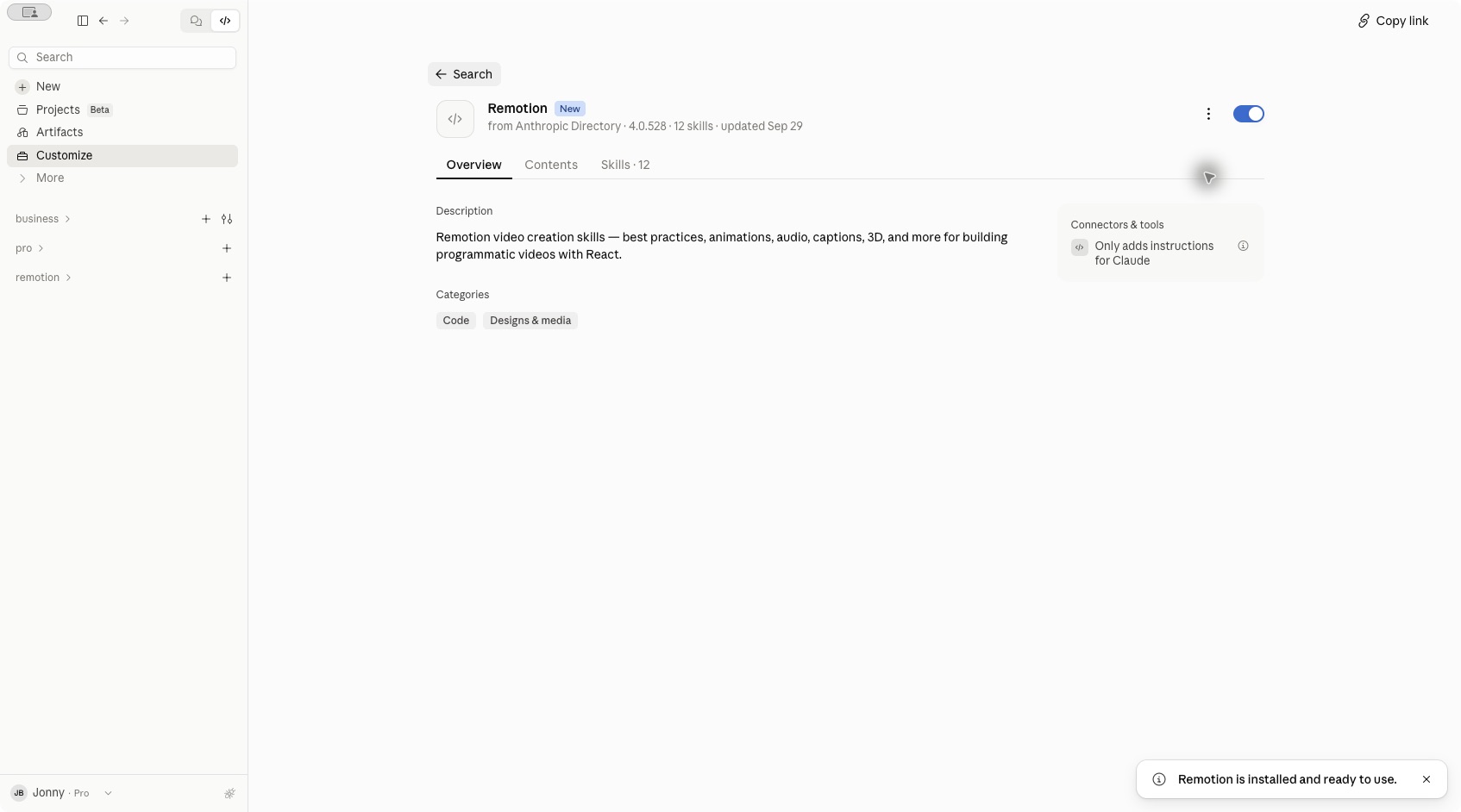
remotion-dev/claude-code-plugin and click Add next to it.
In the terminal
To install from the terminal, add the Remotion marketplace and install the plugin:
Terminalclaude plugin marketplace add remotion-dev/claude-code-plugin claude plugin install remotion@remotion
Restart Claude Code after installing the plugin.
Usage
Start a new Claude Code session in the folder where you want to create your video.
Invoke the plugin's remotion-create skill and append your prompt: